Note
Go to the end to download the full example code.
Blender: Stereo Image Deformation
This example demonstrates how to render a time sequence of deformed stereo DIC image pairs using Blender and the unified pyvale render API. The test case is a mechanical analysis of a plate with a hole loaded in tension.
Workflow: 1. Load simulation data, scale units, and create a textured surface mesh. 2. Select a subset of deformation timesteps for demonstration. 3. Create convergent stereo cameras and lighting. 4. Configure Blender with render_deformed=True. 5. Build Scene3D and render stereo deformation image sequences.
from pathlib import Path

import numpy as np
import riley
from scipy.spatial.transform import Rotation

import pyvale.data as dataset
from pyvale import render
from pyvale.mooseherder import ExodusLoader
from pyvale.sensorsim import scale_length_units
1. Load simulation data and build a textured surface mesh
data_path = dataset.render_mechanical_3d_path()
sim_data = ExodusLoader(data_path).load_all_sim_data()

disp_keys = ("disp_x", "disp_y", "disp_z")
sim_data = scale_length_units(1000.0, sim_data, disp_keys)

surface_mesh = render.meshes3d_from_simdata(
    sim_data,
    {"connect1": riley.ConnectConvention(
        riley.EElemType.TET4, riley.EConnectAxis.ROW, 0,
        riley.ENodeOrder.RILEY,
    )},
    displacement_keys=disp_keys,
)["connect1"]
2. Select deformation timesteps
Slicing a 3 frame subset ([undeformed, mid load, peak load]) for fast tutorial execution. To render all simulation frames, omit this slice: surface_mesh.displacements = surface_mesh.displacements
if surface_mesh.displacements is not None:
    surface_mesh.displacements = surface_mesh.displacements[[0, 5, -1]]
3. Create convergent stereo cameras and lighting
cam_base = render.Camera(
    pixels_num=np.array((1540, 1040)),
    pixels_size=np.array((0.00345, 0.00345)),
    pos_world=np.array((0.0, 0.0, 400.0)),
    rot_world=Rotation.identity(),
    roi_cent_world=np.zeros(3),
    focal_length=15.0,
)

resolution = render.blender_mm_per_pixel(cam_base)
surface_mesh.shader = render.BlenderTextureShader(
    image_path=dataset.dic_pattern_5mpx_path(),
    millimetres_per_pixel=resolution,
)

stereo_angle = 15.0  # degrees
stereo_cameras = render.stereo_build_faceon(cam_base, stereo_angle)

light = render.Light(
    light_type=render.ELightType.POINT,
    pos_world=np.array((0.0, 0.0, 400.0)),
    direction_world=np.zeros(3),
    intensity=1.0,
)
4. Configure Blender backend for stereo deformation
output_dir = (
    Path.cwd() / "pyvale-output"
    / "render3d_ex2e_blender_stereo_deformation"
)
config = render.BlenderConfig(
    output_dir=output_dir,
    samples=4,
    threads=8,
    render_deformed=True,
    save_images=True,
    save_scene=True,
)
renderer = render.Blender(config)
5. Build Scene3D and render stereo deformation frames
scene = render.Scene3D(
    meshes=[surface_mesh],
    cameras=stereo_cameras,
    lights=[light],
)
result = renderer.render(scene)

print(f"Rendered {len(result.output_paths)} stereo deformation images.")
print(f"Output saved to: {output_dir}")
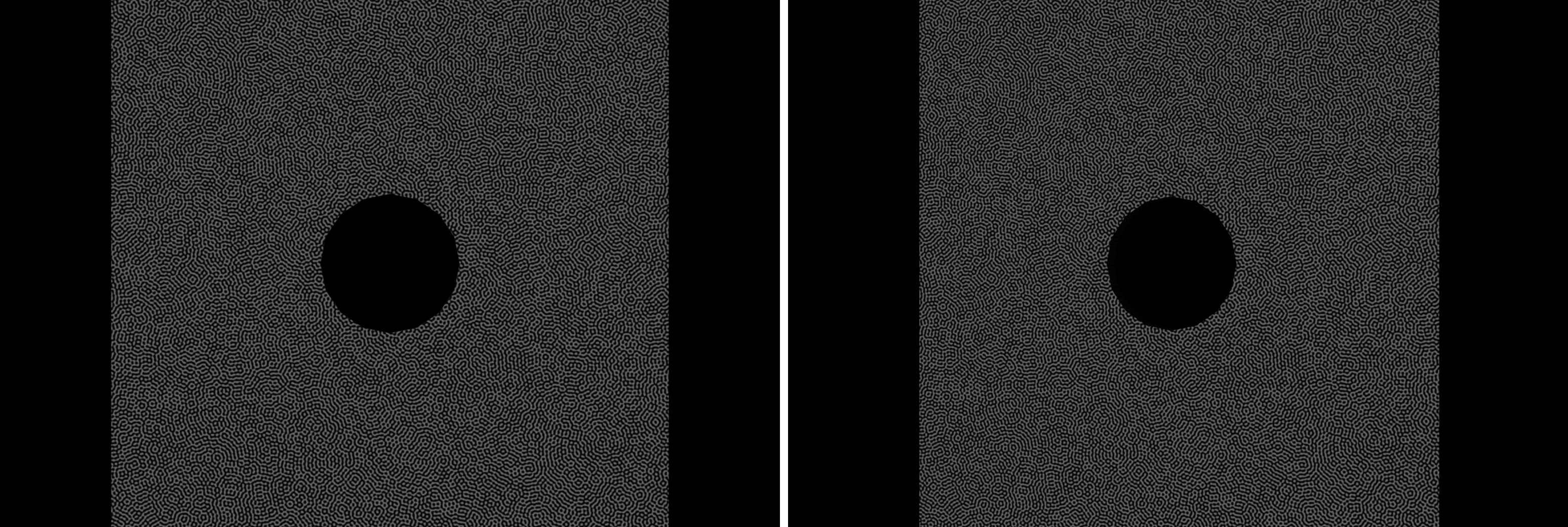
The first frame from both cameras is combined side by side below.