Your virtual engineering laboratory
Design experiments, analyse measurements and iterate with evidence. Experiments are expensive make every measurement count.
pip install pyvale
uv add pyvale
Python 3.11+. Installation guide
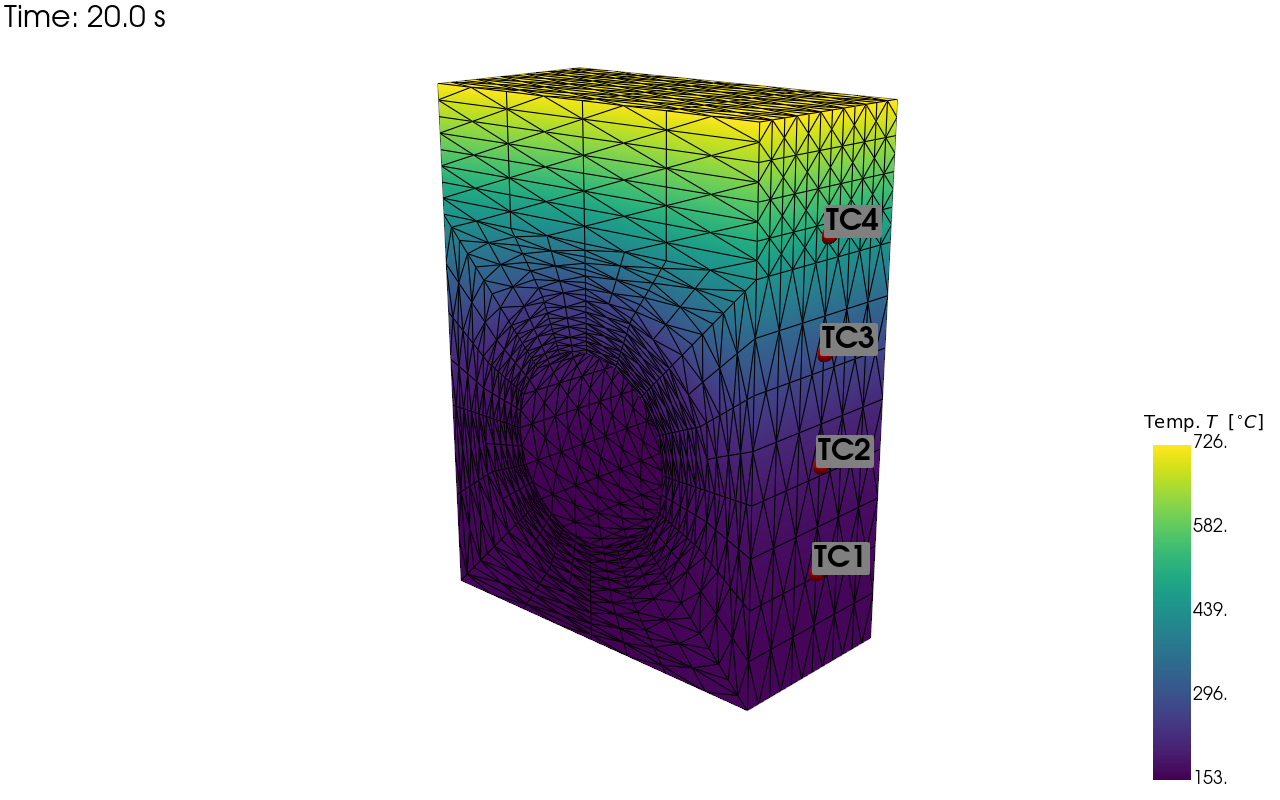
Build virtual sensor arrays with realistic uncertainty. Run repeated experiments and inspect measurement distributions.
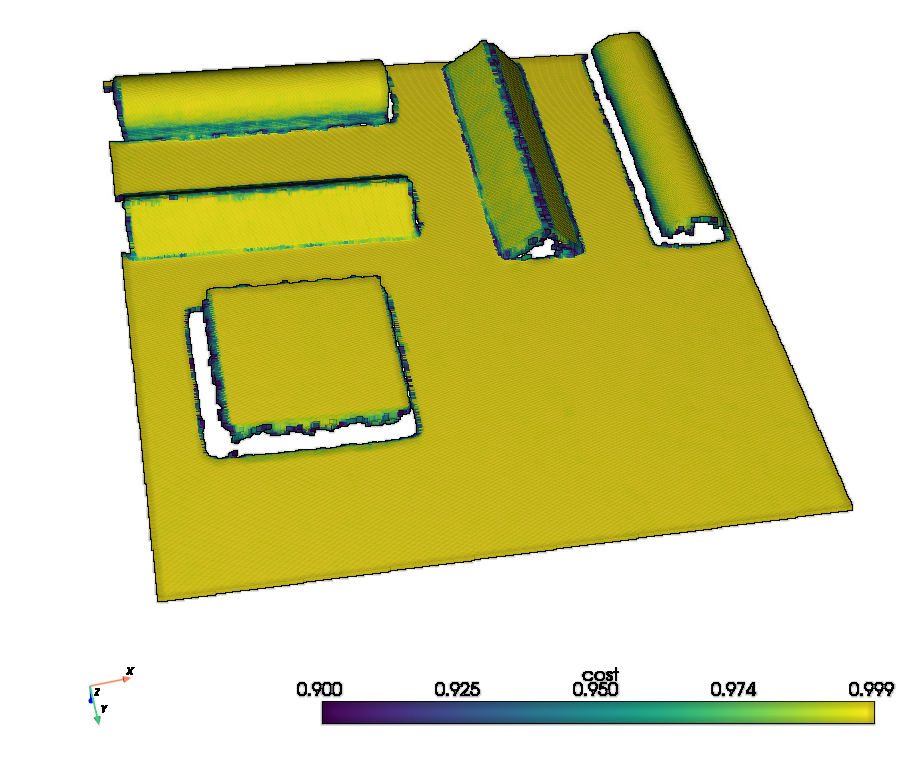
Analyse 2D and stereo images to recover shape, displacement and strain from synthetic or experimental images.
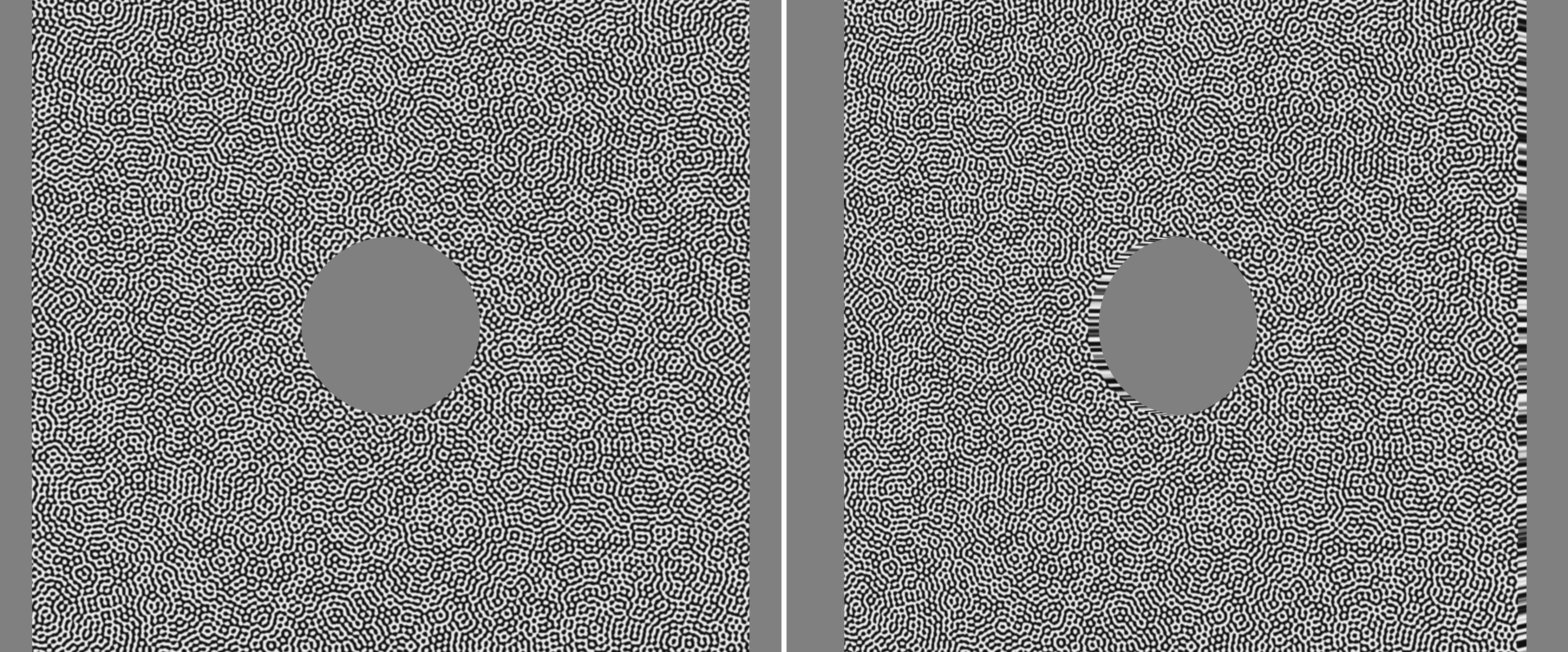
Render deforming meshes with Riley, integrated into PyVale. Configure cameras, textures, distortion and point spread functions; use optional Blender for path tracing.
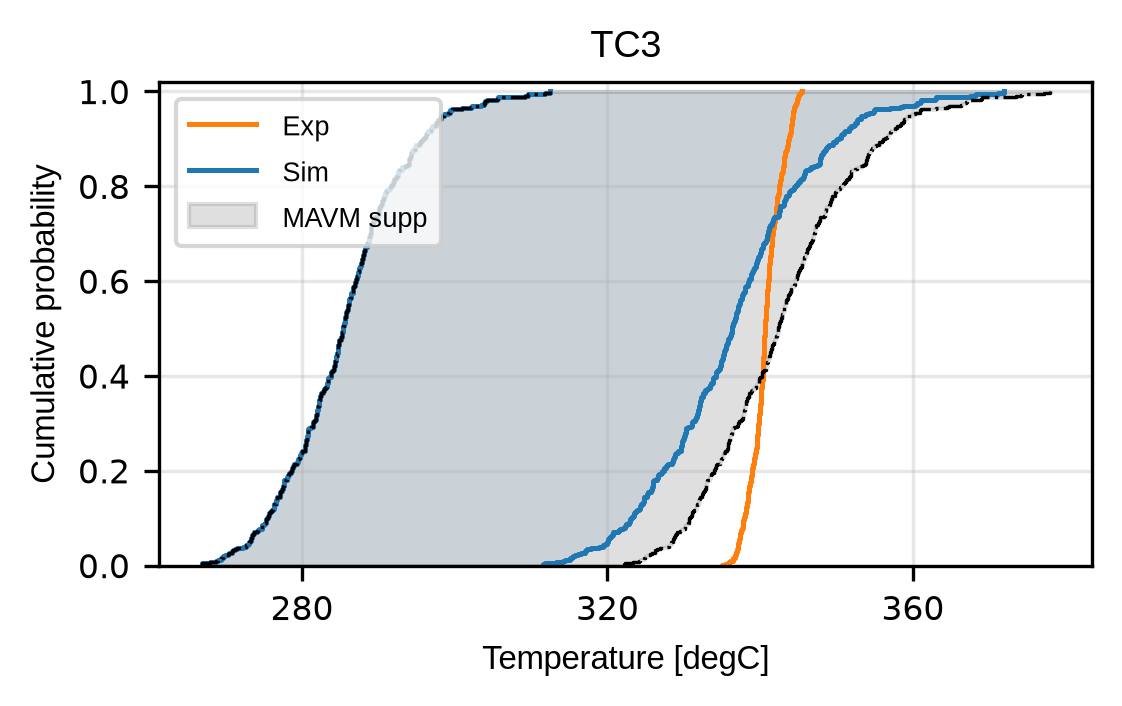
Compare simulation predictions with experimental measurements and quantify discrepancies under uncertainty.
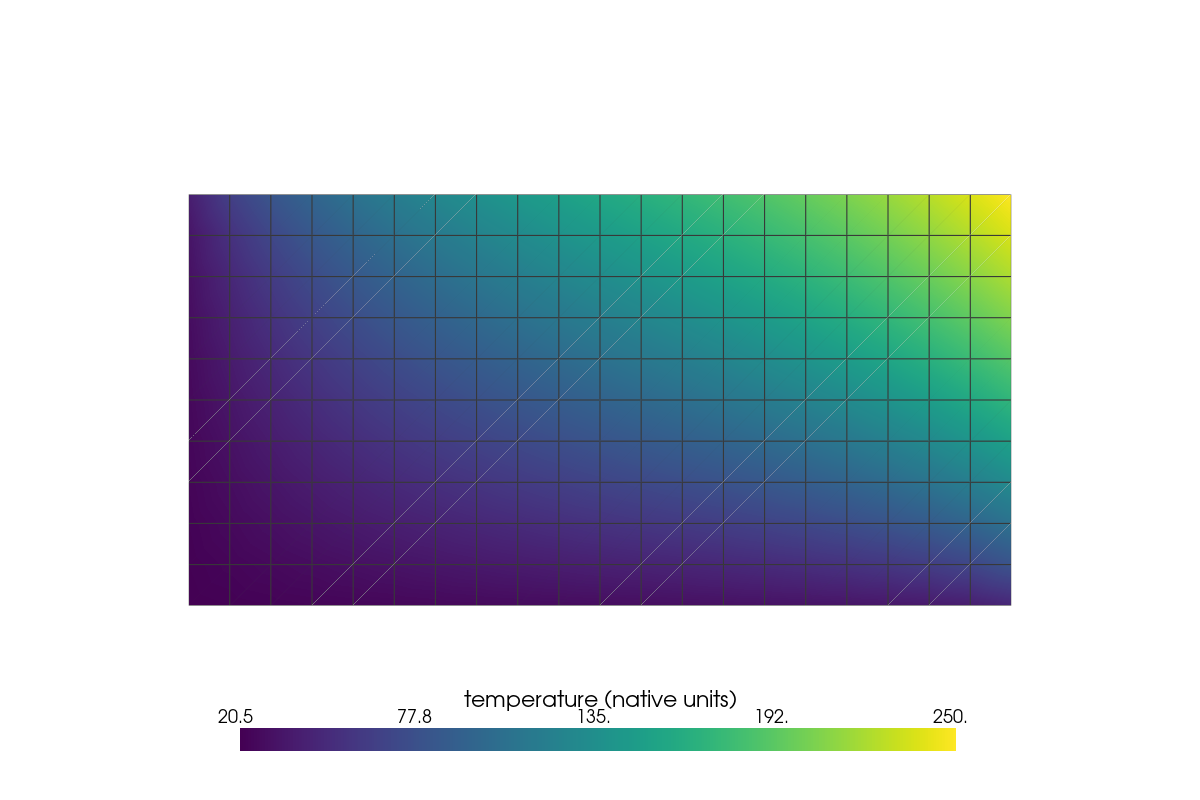
Use Rabbit FEM through PyVale’s Mooseherder module to run thermo-mechanical finite element simulations, vary inputs and load results for virtual experiments.
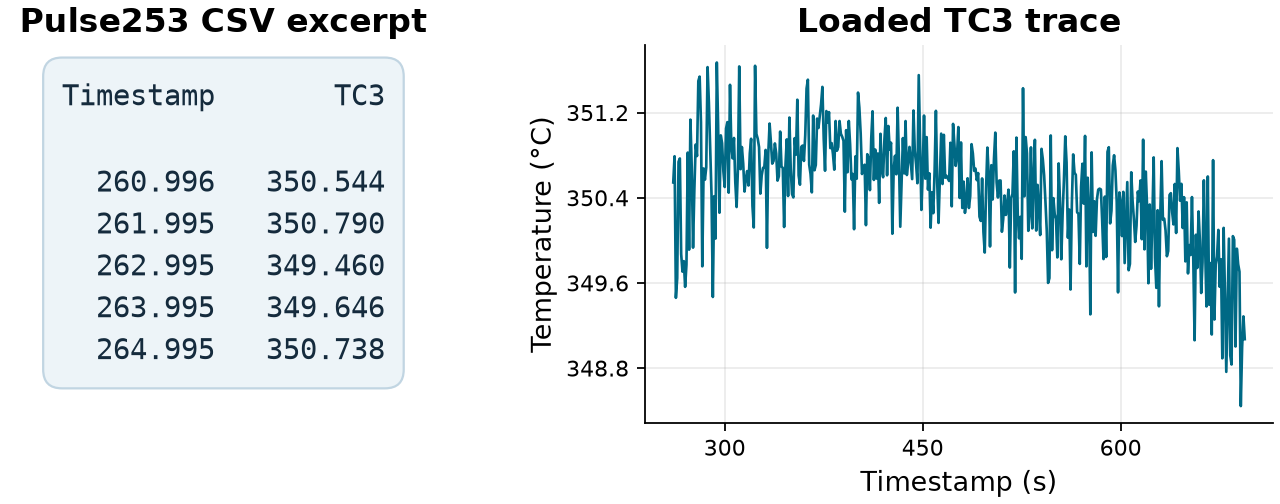
Load experimental sensor measurements and probabilistic simulation data for analysis in PyVale.
SensorSim, DIC and Render are ready for general use. In development: sensor placement optimisation, simulation calibration and validation, and a workflow engine that brings PyVale’s modules together for reproducible virtual experimental campaigns, from individual studies to large-scale sweeps.
Riley · PyVale Render
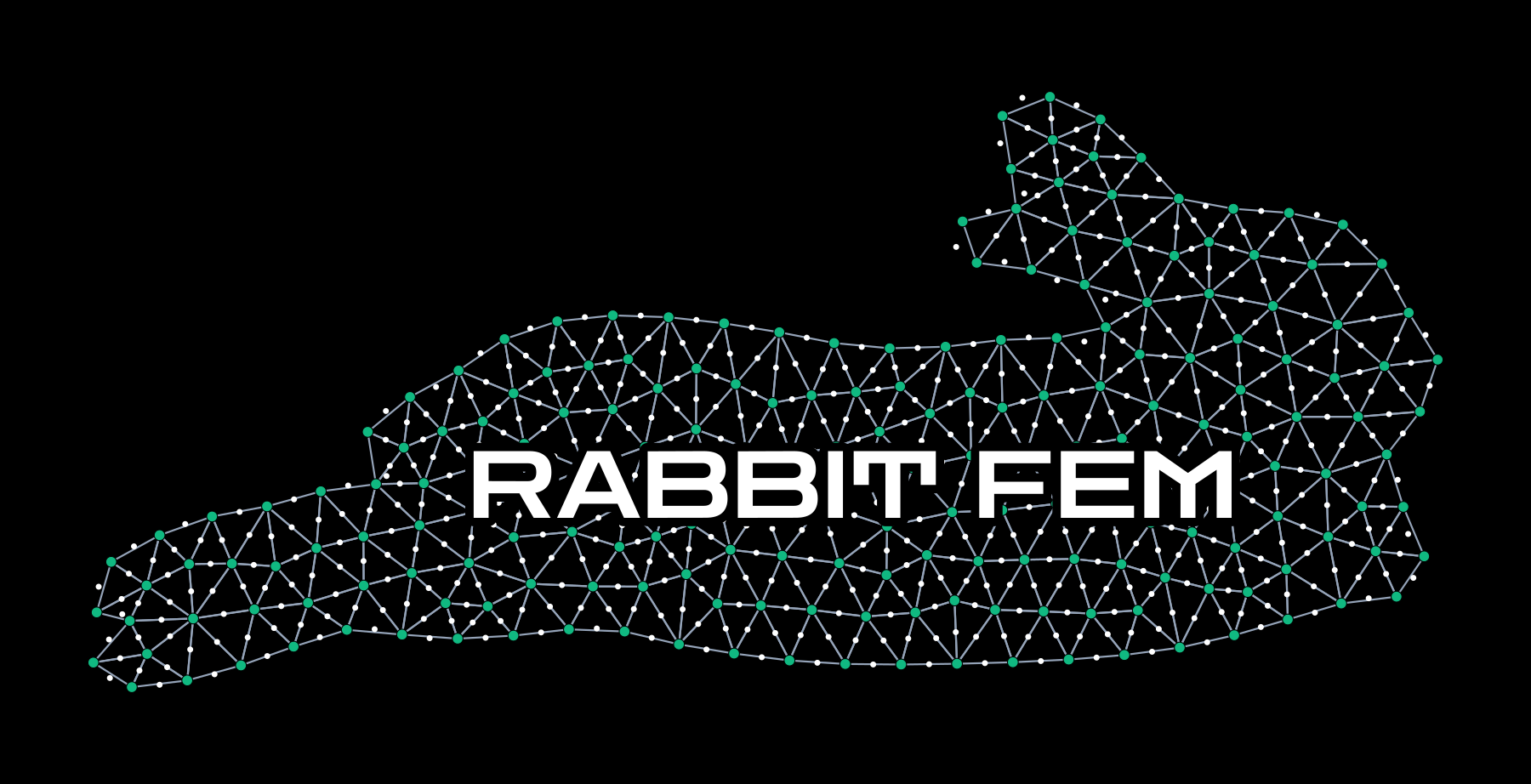
Rabbit FEM · Mooseherder
Developed by the Computer Aided Validation Team and collaborators.